
Understanding CLMS Software
1. What is a Contractor & Labour Management System (CLMS)?
A CLMS is software used to manage contractors and contract labour, from onboarding and attendance to wages,documents, and compliance.
2. What is CLMS Software used for?
It helps organizations coordinate contractor activities, maintain worker records, monitor workforce presence, and streamline operational workflows.
3. Who can use CLMS Software?
Manufacturing plants, construction sites, facilities teams, logistics operations, and enterprises using contract workers can benefit.
4. Why is contractor labour management important?
Structured management improves workforce visibility, supports timely documentation, and helps teams follow defined site procedures.
5. What are the key features of CLMS Software?
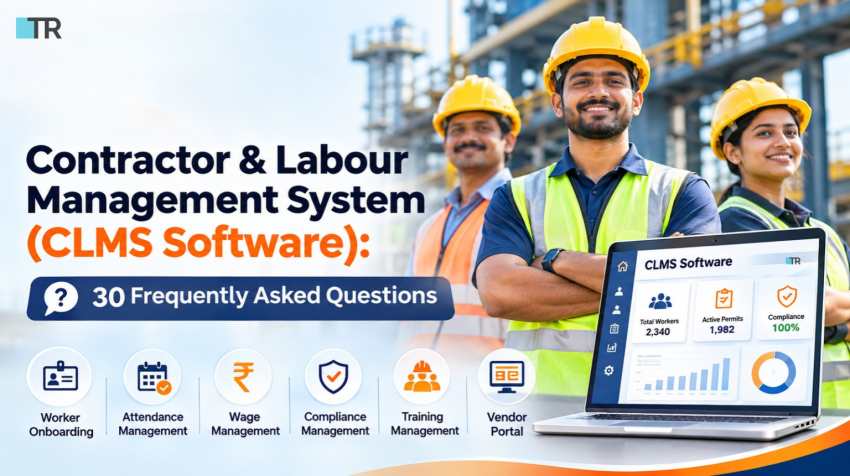
Common features include worker onboarding, attendance, wage management, compliance tracking, vendor portals,training records, and reporting.
Features, Workflow & Benefits
6. How does CLMS Software simplify worker onboarding?
It centralizes worker details and required documents, helping teams review and maintain onboarding records consistently.
7. Can CLMS Software track workforce attendance?
Yes. Attendance functionality can capture and organize worker attendance information for review and processing.
8. Does CLMS Software support wage management?
Wage management capabilities can help teams calculate or organize wage-related information based on recorded attendance and configured rules.
9. How does CLMS help with contractor compliance?
It can maintain compliance documents, track their status, and alert teams to items requiring attention. Requirements vary by jurisdiction.
10. What is a vendor portal in CLMS?
A vendor portal gives contractors or suppliers a designated place to submit worker information, documents, and requests.
11. Can CLMS Software manage worker training?
Training management can record training details and help monitor completion for workers who need site-specific instruction.
12. Does CLMS provide reports and analytics?
Reporting may summarize attendance, onboarding status, vendor activity, wage records, and compliance information.
13. Can CLMS reduce manual paperwork?
Centralized digital records and workflows can reduce repetitive data entry and paper-based coordination.
14. How can CLMS improve site safety?
By helping teams maintain worker records, training status, and permit-related workflows, it can support safety processes—not replace site safety practices.
15. Can CLMS Software handle multiple contractors?
Many systems support multiple vendors and worker groups. Confirm user roles, scale, and site configuration with the provider.
Implementation & Integration
16. Is CLMS Software suitable for large enterprises?
It can be suitable when it supports the organization’s workforce volume, locations, approval structure, and security needs.
17. Can CLMS be used across multiple locations?
Multi-site use depends on the solution’s configuration. Check whether centralized reporting and location-specific controls are available.
18. Can CLMS Software integrate with HRMS or ERP?
Some platforms offer integrations or data exchange with HRMS, ERP, payroll, access control, or attendance systems.Validate the exact connectors.
19. Is CLMS Software cloud-based?
Deployment options vary. Ask the provider whether cloud, on-premises, or hybrid deployment is supported.
20. Is mobile access available in CLMS?
Mobile access may be offered for worker, supervisor, or vendor workflows. Confirm supported devices and features.
21. How long does CLMS implementation take?
Timelines depend on data migration, integrations, approvals, number of sites, and customization requirements.
22. What information is needed to implement CLMS?
Typically, organizations prepare contractor and worker records, required documents, site rules, attendance policies,wage parameters, and approval flows.
23. Is CLMS Software easy to use?
Usability depends on interface design and training. A guided demo using real workflows helps teams evaluate ease of use.
Selection, Security & ROI
24. How do I choose the right CLMS Software?
Assess onboarding, attendance, wage workflows, compliance tracking, reporting, integrations, mobile access, support, and scalability.
25. What should a CLMS demo include?
Request demonstrations of worker onboarding, vendor submissions, attendance review, compliance status,approvals, and reports.
26. Is contractor data secure in CLMS?
Review access controls, encryption, audit logs, backup practices, data hosting, and the provider’s security documentation.
27. Can CLMS Software help reduce costs?
Automation may lower administrative effort and improve process visibility. Actual savings depend on adoption and existing processes.
28. What is the difference between CLMS and HRMS?
HRMS commonly manages an organization’s employees and HR processes; CLMS focuses on contractors and outsourced labour workflows. Some capabilities overlap.
29. What is the difference between CLMS and workforce management software?
Workforce management is a broad category covering scheduling and labour operations; CLMS emphasizes contractor, vendor, and contract-worker administration.
30. How can I get started with CLMS Software?
Map your current processes, define requirements, shortlist solutions, and schedule a demo with key stakeholders.
Conclusion
CLMS Software can bring contractor onboarding, attendance, wage workflows, vendor coordination, and compliance records into a more organized process. The right solution should align with your sites, workforce policies, integrations, and reporting needs. Evaluate the system with practical scenarios before implementation.
Ready to streamline contractor onboarding, workforce attendance, and compliance workflows?
Explore TechnoRishi’s Contractor & Labour Management Software and see how a centralized system can support your operations.